
Examples
Full demos built with wtc-gl, each one a page you can open, take apart and adapt.
Each demo isolates one or two ideas, from a texture fed by a video to a swarm of icons under physics, and most have a panel of options to play with. The chips on each card are the classes and functions it leans on: pick one to see only the demos that use it.
Four of them have a walkthrough that goes through the source section by section: Lighting, Paths, Icon swarm and ScrollImage and ScrollHTML. The recipes, FragmentShader, ParticleSimulation and ScrollRenderer, have pages of their own.
26 demos.
Video texture
A video element sampled as a live
Textureand fed into a fragment shader each frame. TheonBeforeRenderhook marks the texture dirty so the GPU always sees the current video frame.
GPU particle simulation
Thousands of particles simulated entirely on the GPU using
TransformFeedbackping-pong buffers. Velocity is computed in a vertex shader and fed back as position attributes each frame - zero CPU involvement per particle.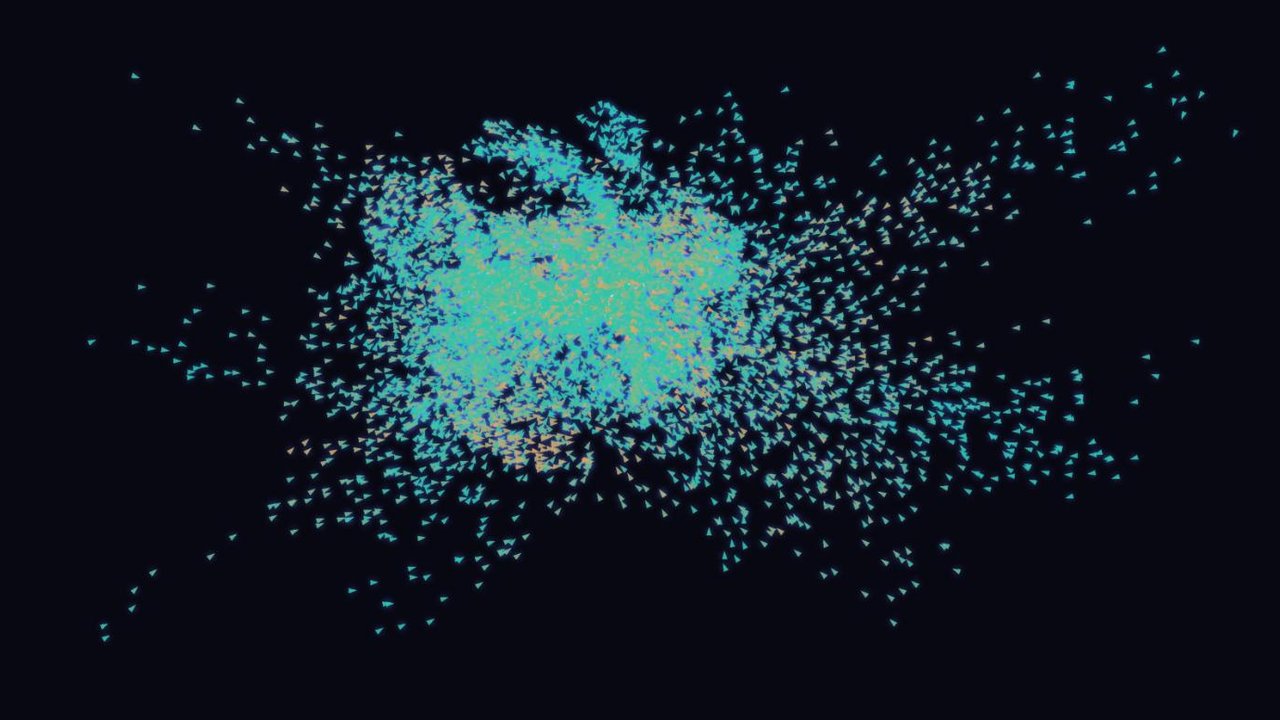
Swarm
8,192 agents chase the pointer through a flow field. One
TransformFeedbacksimulation is stepped several times a frame without drawing, then drawn twice from the same buffers: as instanced arrows pointing along each agent's velocity, and as an additive glow. Position and velocity are captured interleaved, each agent's seed is a static attribute, and Reset restarts the simulation.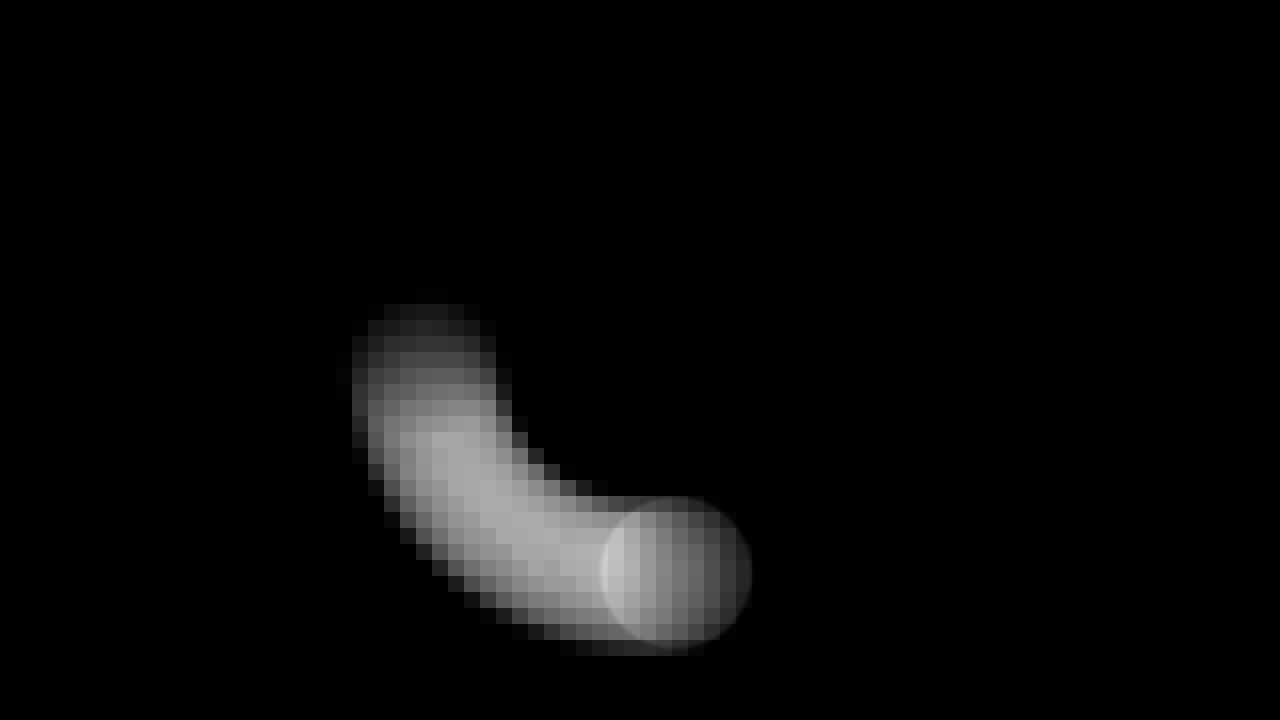
Framebuffer post-processing
A scene rendered to an off-screen
Framebuffer, then composited through a second pass. Demonstrates the render-to-texture pipeline for effects like bloom, blur, and feedback loops.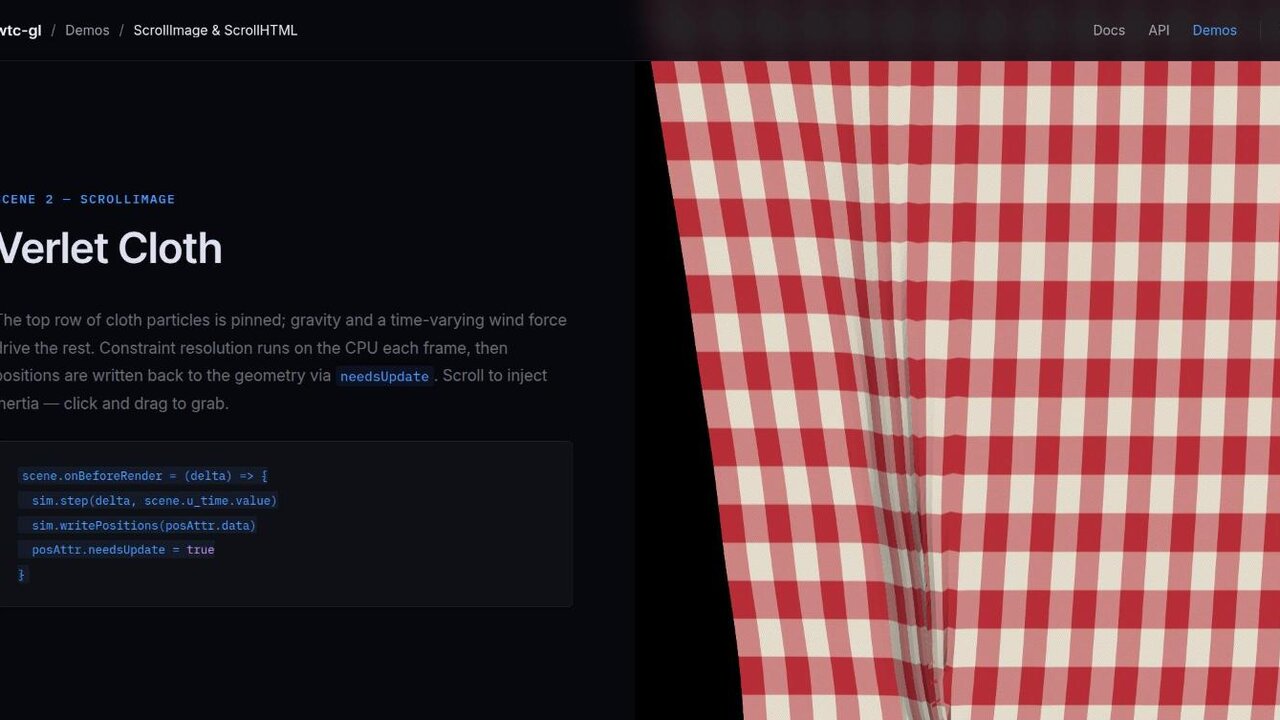
ScrollImage & ScrollHTML
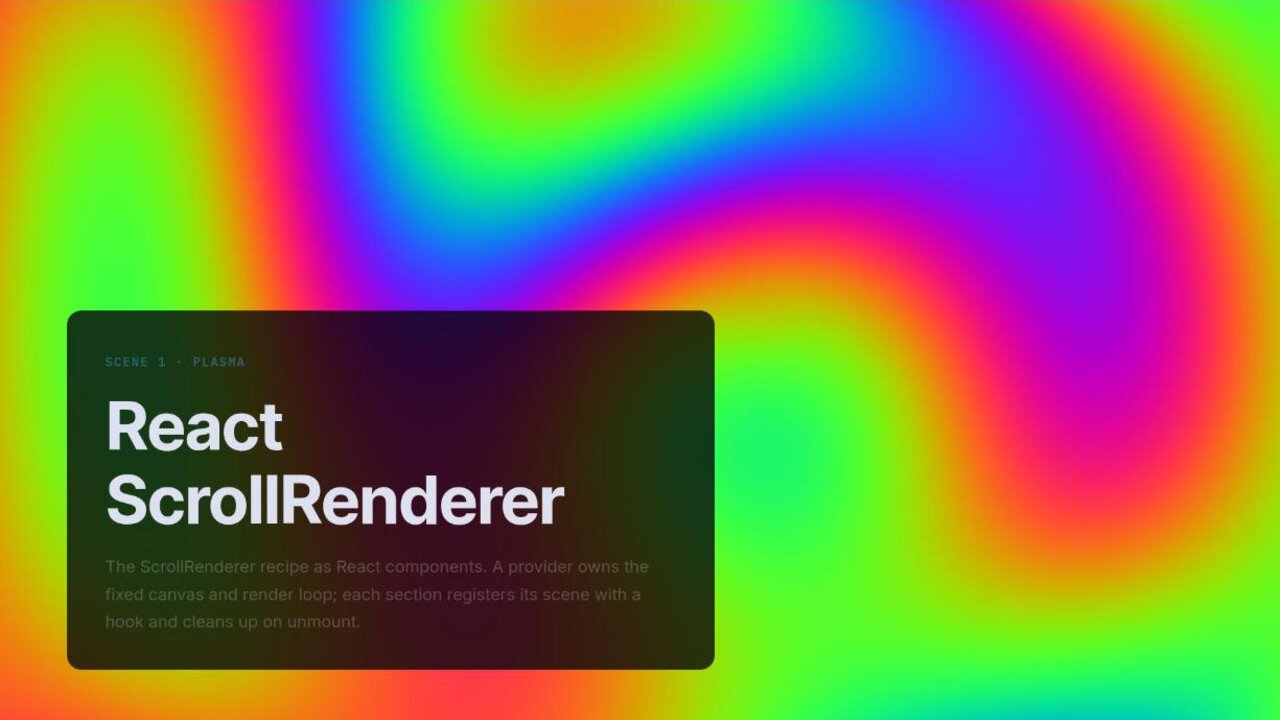
Three scenes on one canvas. Scene 1: hue ripple at the cursor via Rodrigues rotation. Scene 2: a Verlet cloth simulation deforming an image — scroll to inject inertia, click to grab. Scene 3: the same cloth with a live HTML form as its texture using the experimental HTML-in-Canvas API.
React ScrollRenderer
The ScrollRenderer demo rebuilt with
@wethegit/react-wtc-gl: a provider owns the canvas and render loop, hooks register scenes from components, and React state pauses the loop. Runs in StrictMode to exercise the cleanup paths.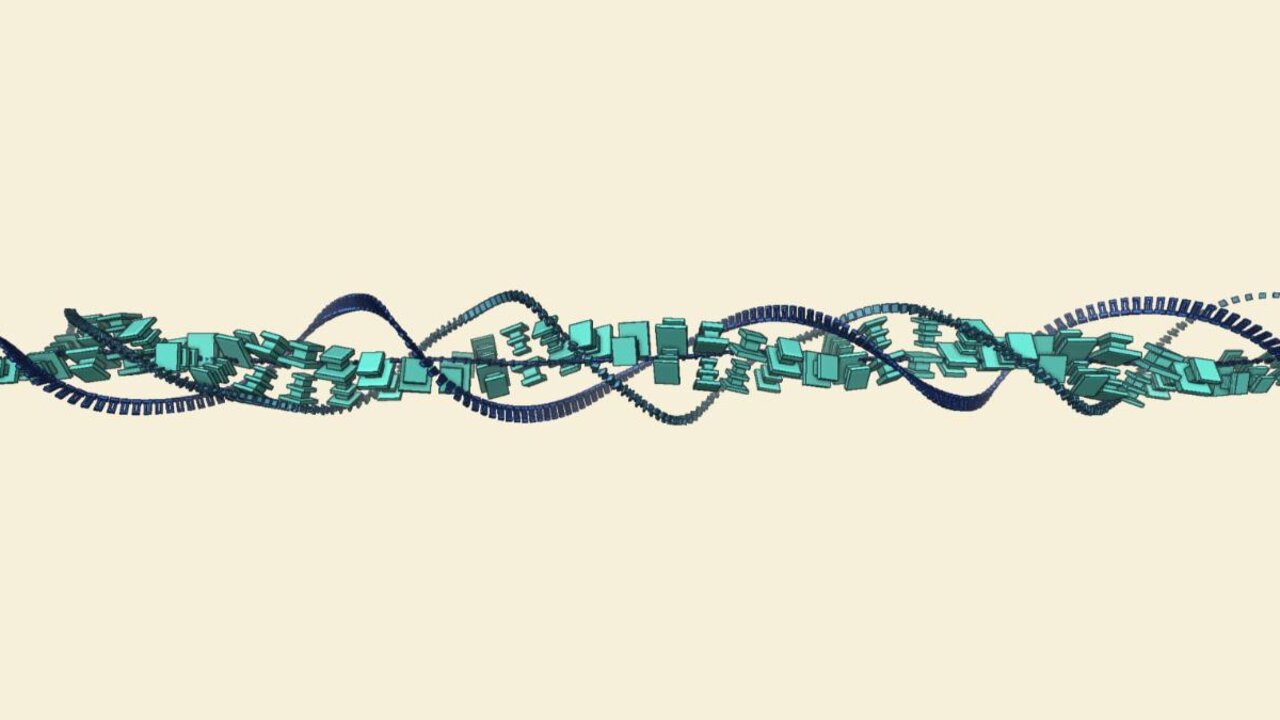
React Manifold Divider
A section divider: instanced box modules coil around a line on helical strands and flow along it. Each divider renders a float G-buffer offscreen, then composites outlines, AO and fog into its strip of the shared ScrollRenderer canvas.
Manifold Mandala
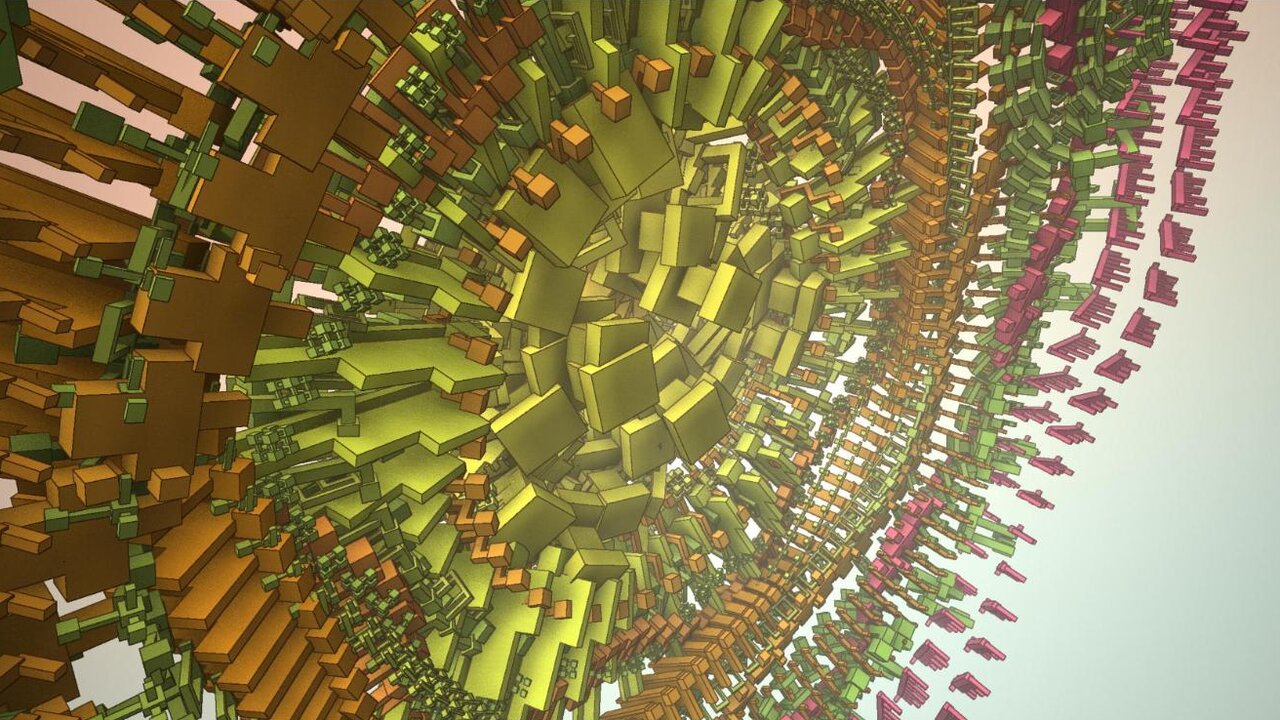
Thirty rings of instanced box modules form a funnel that reads as a mandala head-on. Rings spin, ripple and regrow as new shapes; click to sweep a new palette through them. The same float G-buffer and outline, AO and fog pass as the divider.
React DragWorld
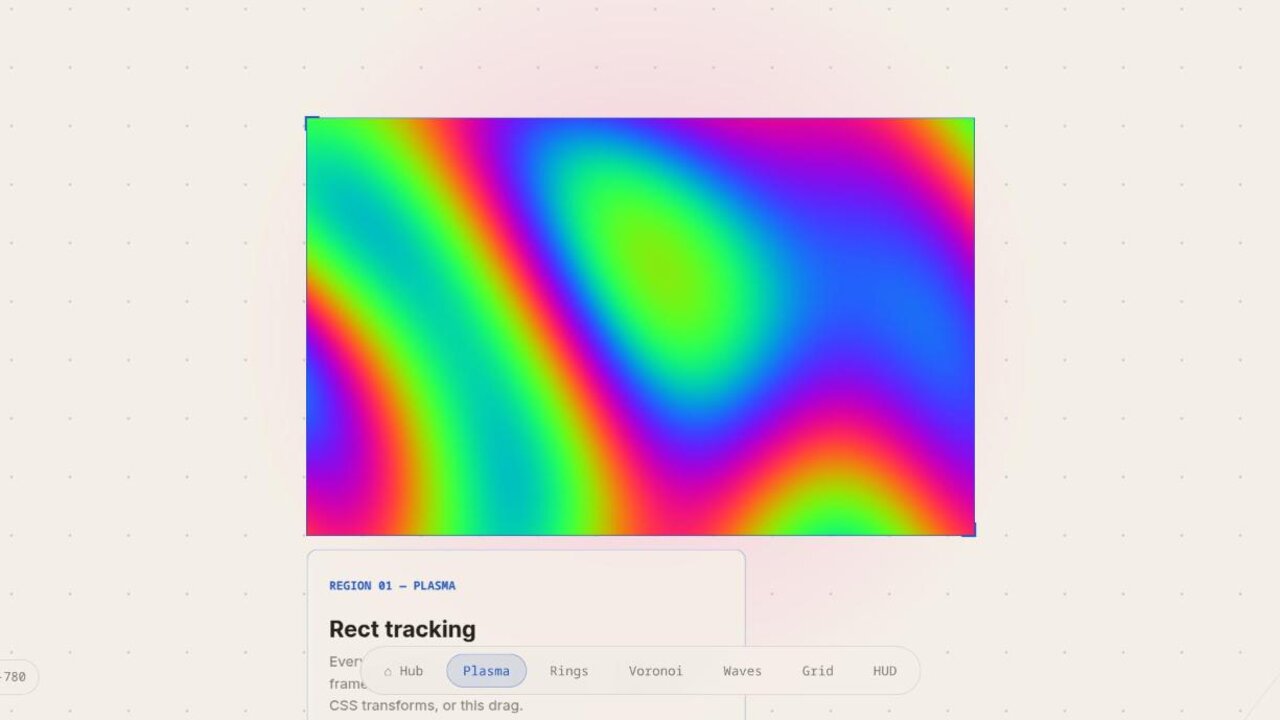
A click-and-drag explorable world in the style of the Super Mario Odyssey site: a 4,400px map panned with momentum and elastic bounds, where shader regions registered with
useScrollScenelight up as you approach them.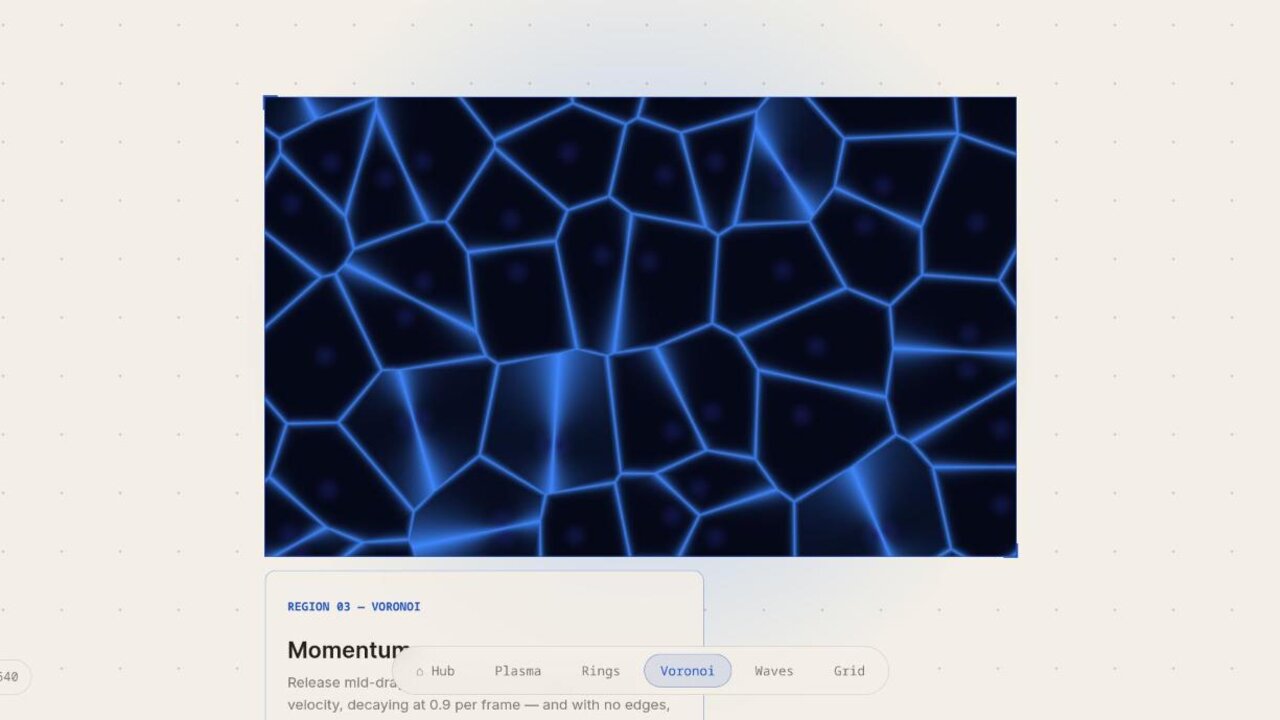
React DragWorld Infinite
The drag world wrapped into a torus: no edges, no bounds — each region is a single DOM element folded back around the seam while off-screen, with a compass pointing the shortest way home across the wrap.
Webcam cellular automata
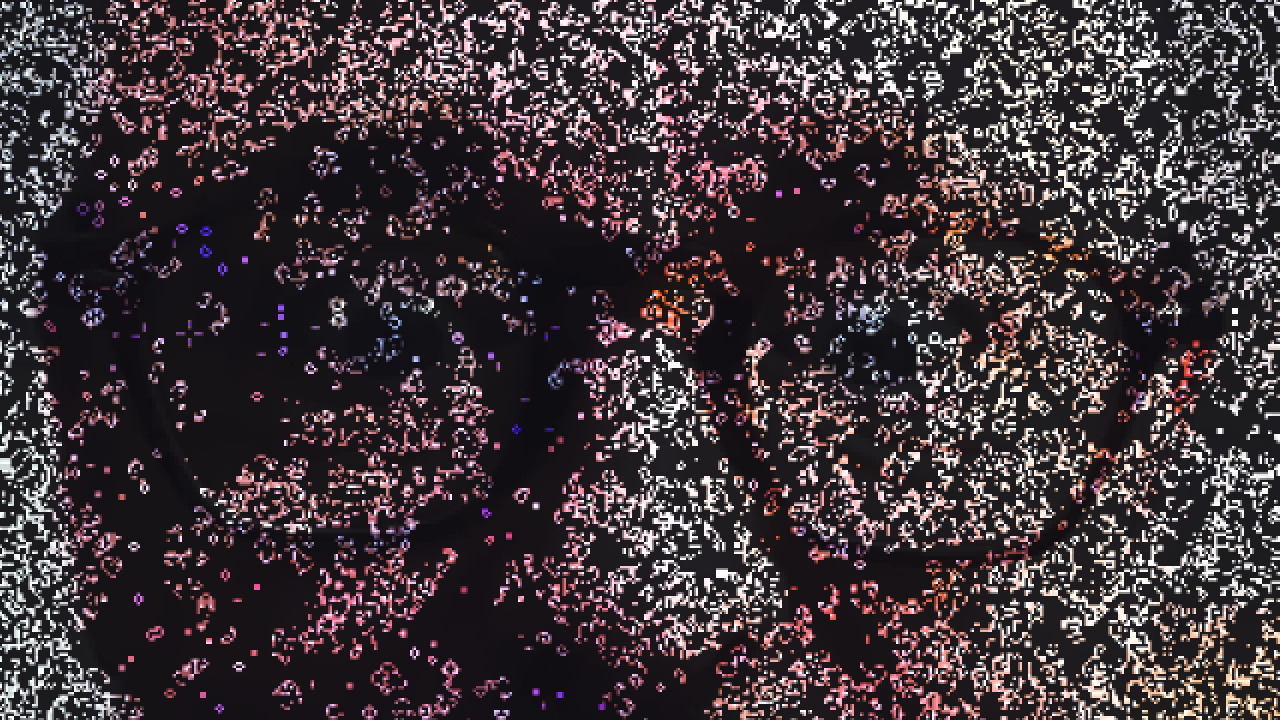
A ping-pong
Framebufferruns Conway's Game of Life where webcam brightness seeds new cells. Living cells inherit the webcam's colour at the moment of their birth, creating a living portrait that evolves frame by frame.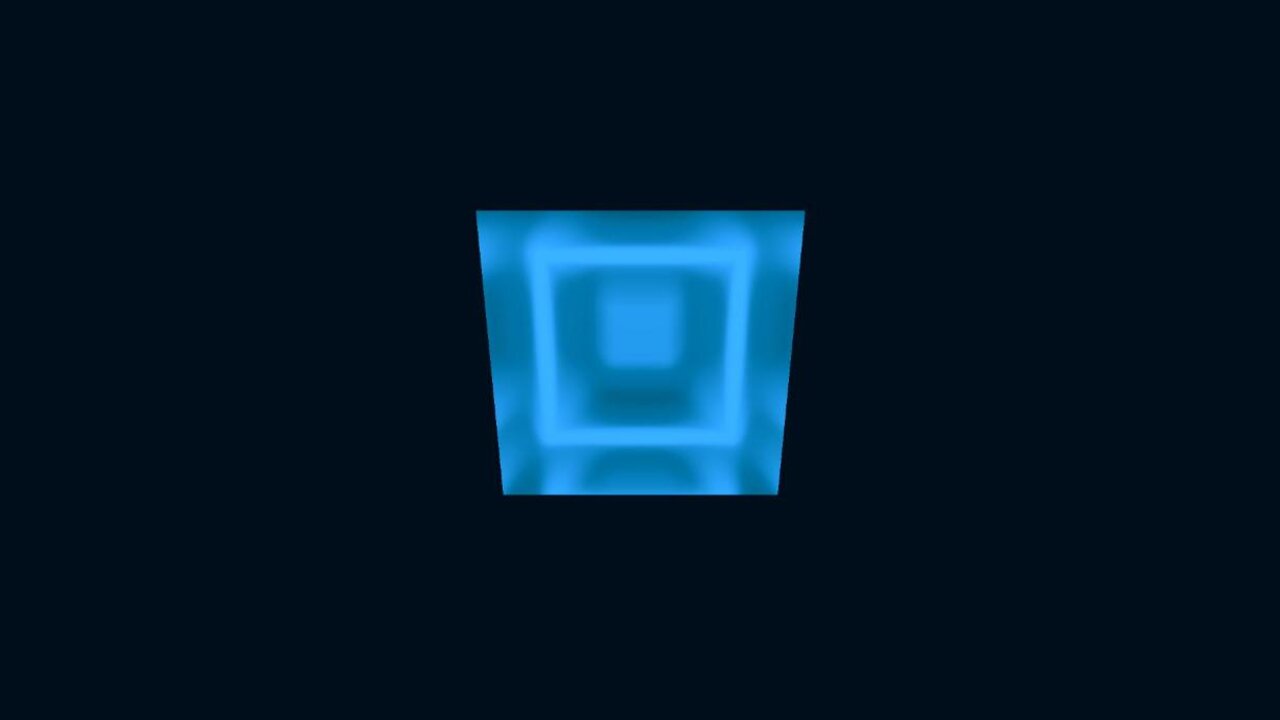
Raymarching on a mesh
A raymarching SDF rendered inside the volume of a rotating
Boxmesh. The fragment shader casts rays from each mesh surface point, infinitely repeating a frame-and-sphere lattice. The cube's model matrix is passed as a uniform so the SDF space rotates in sync with the geometry.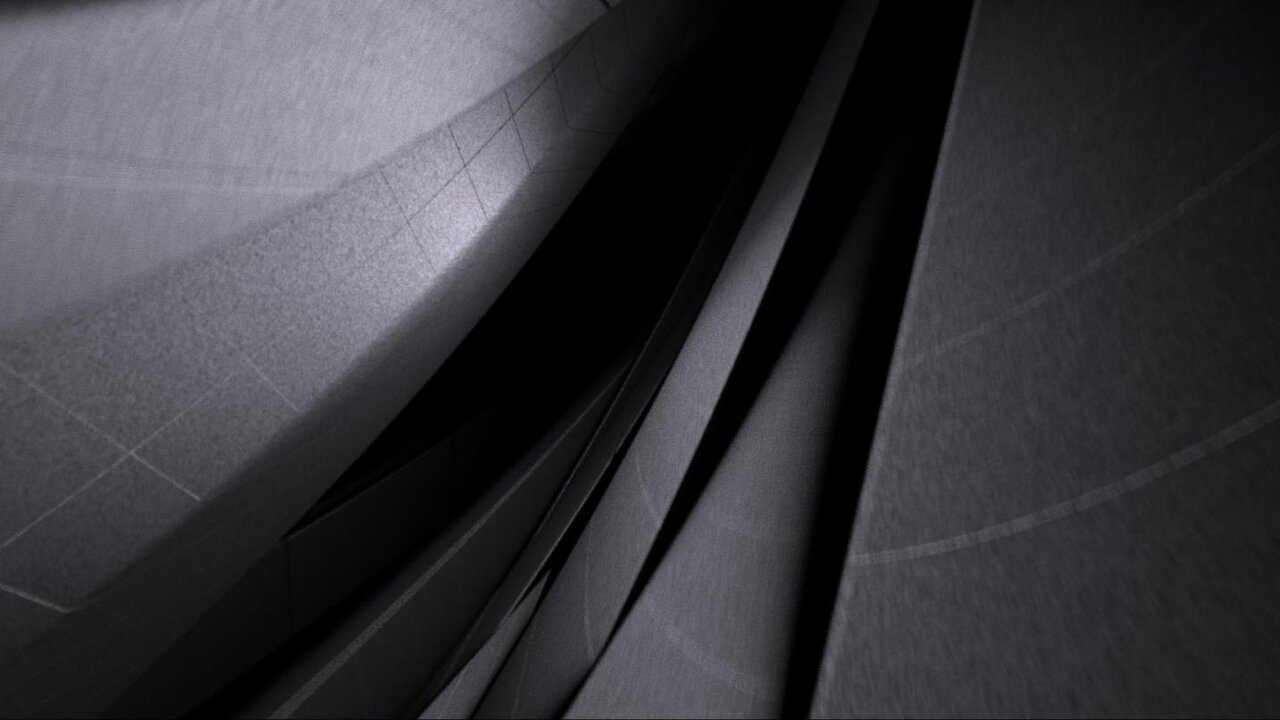
Progressive render
A raymarcher far too heavy for one frame, rendered a tile at a time. Each tile goes into one
Framebufferthrough a viewport, a composition pass adds it to the image so far in another, and the tile size adapts to keep frames responsive. Click for a new image.
Scroll blades
An editorial scroll layout: a fullscreen animated background via
ScrollScene, four alternating image/text blades each usingScrollImagefor cover-fit, parallax, and chromatic aberration — all on one shared WebGL context.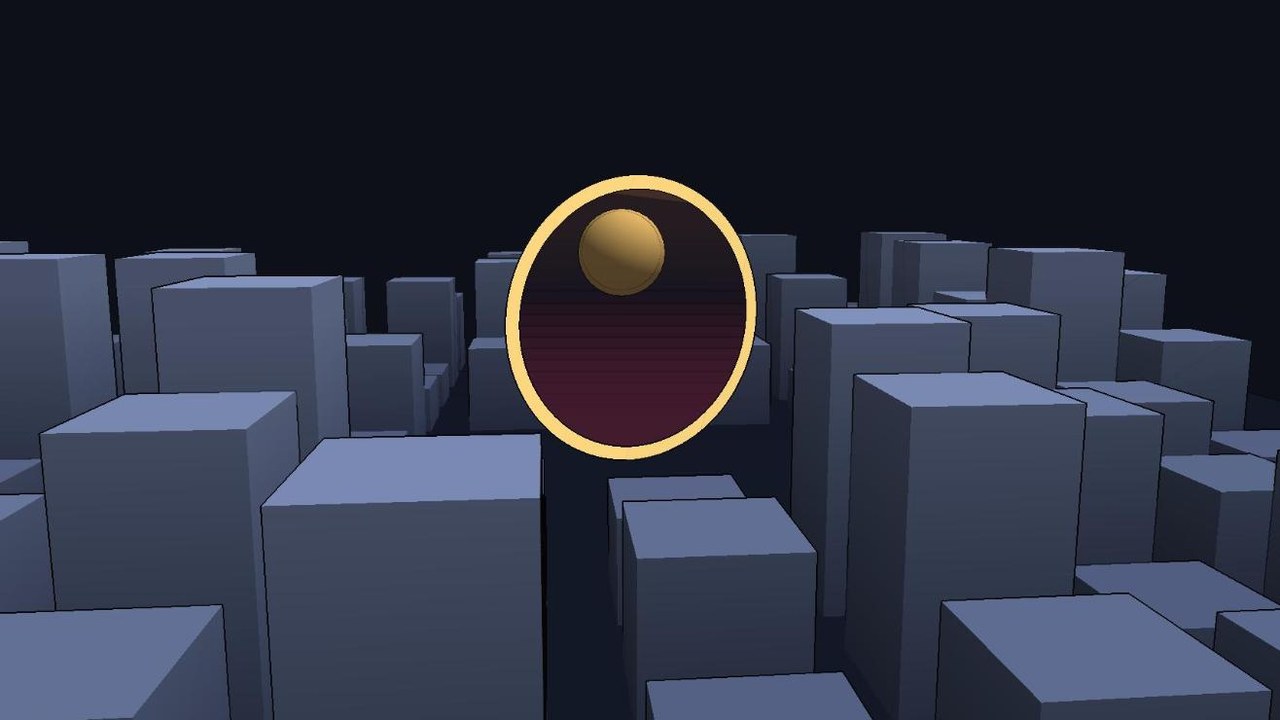
Stencil & depth texture
A portal into another world, drawn with a
RenderTargetwhose depth and stencil share one texture. The stencil limits the second world to the portal, and a post pass samples the depth texture for fog and outlines. Switch views to see the depth and stencil on their own.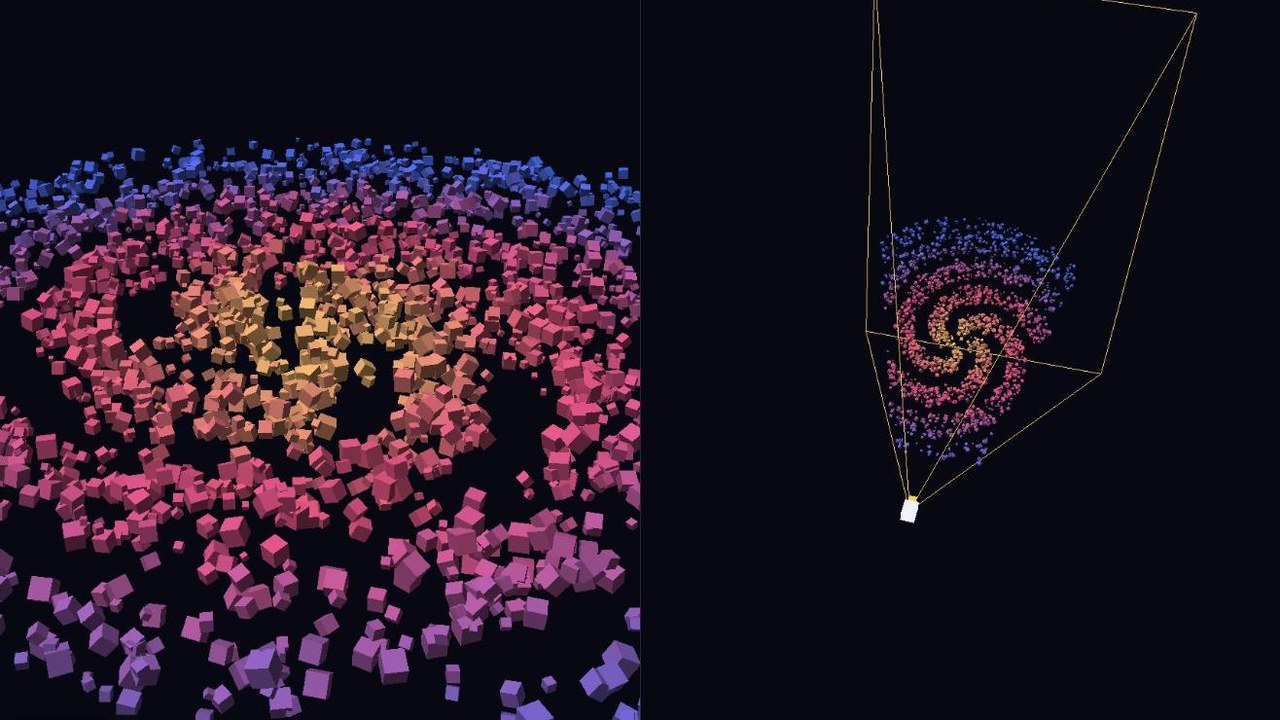
Many meshes
A spiral galaxy of up to 6,000 separate meshes, each moved and rotated every frame. One pane is the camera you control; the other watches it from above, showing its frustum and only the meshes it didn't cull. Matrices, uniforms and render lists are updated in place, so the render loop makes almost no garbage. Switch to one
InstancedMeshto draw the same galaxy in a single draw call, still culled cube by cube, for a fraction of the CPU time, and hover to pick out one cube with aRaycast.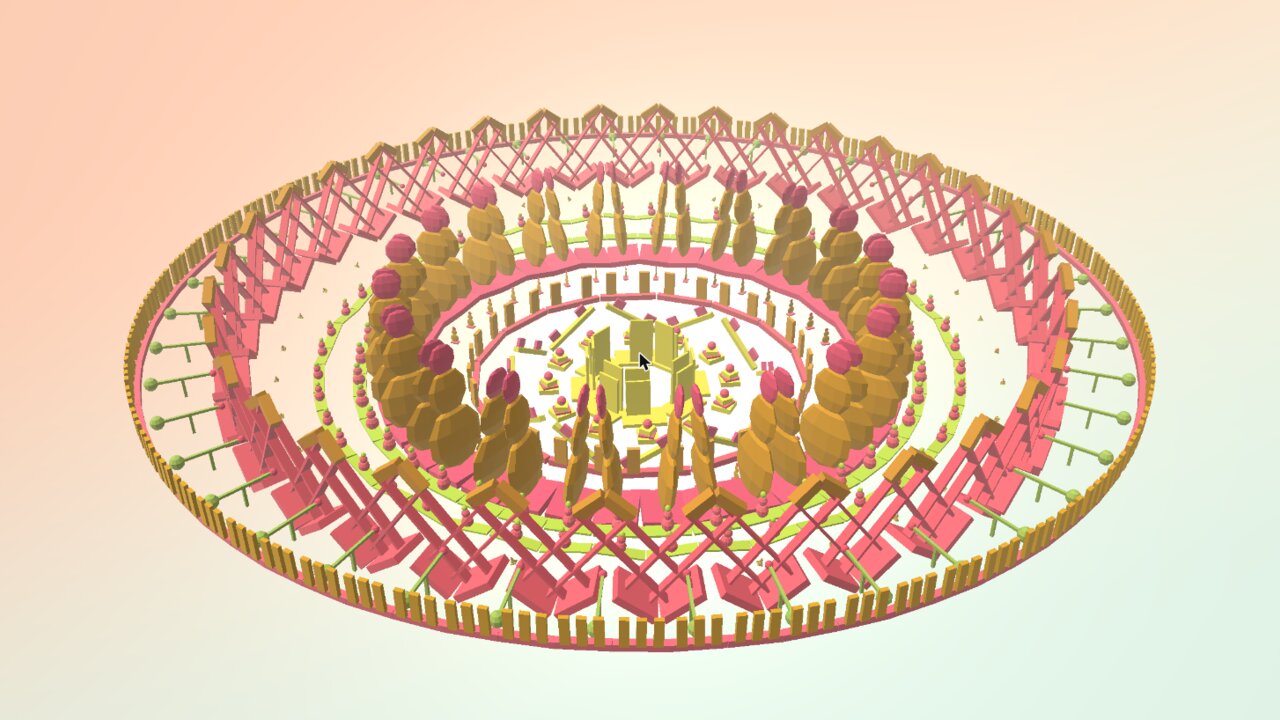
Building geometry
Concentric rings of modules, built in code and drawn as one mesh. Boxes and spheres placed with
applyMatrixmerge into a module, copies of the module (every other one mirrored) merge into a ring, and the rings merge into the sculpture. A regrow wave rebuilds one ring at a time while the shader grows it and explodes the sculpture, so it stays a single draw call. Flat and smooth shading come fromtoNonIndexedandmergeVertices.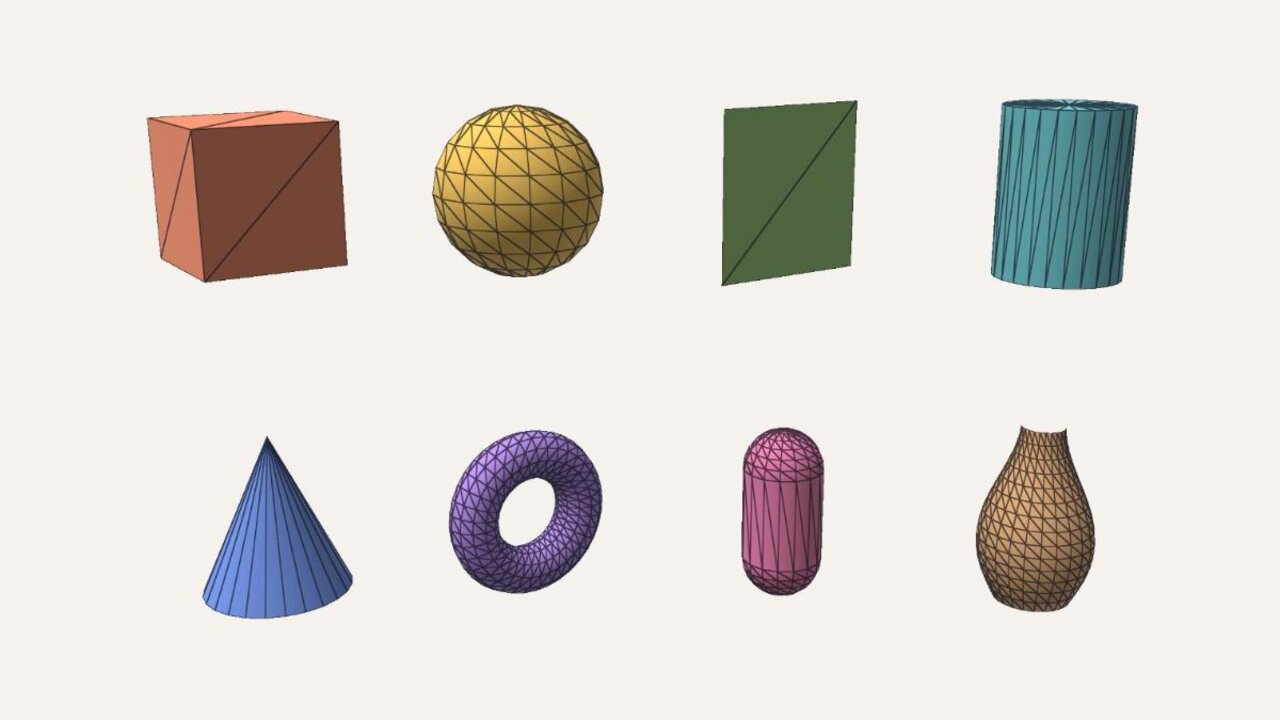
Primitives
Every built-in primitive side by side, with its options in the pane: segments, radii, partial sweeps and open ends. Changing an option rebuilds that shape. Switch between lit, a uv checker and
NormalProgramin view or world space, flat and smooth shading, and turn off back-face culling to see inside the open shapes. The helpers add vertex normals, face normals and local axes to every shape, and clicking one shows the triangle and uv under the pointer. The vase is aLatheof a 2D profile, and a cone is aCylinderwithradiusTop: 0.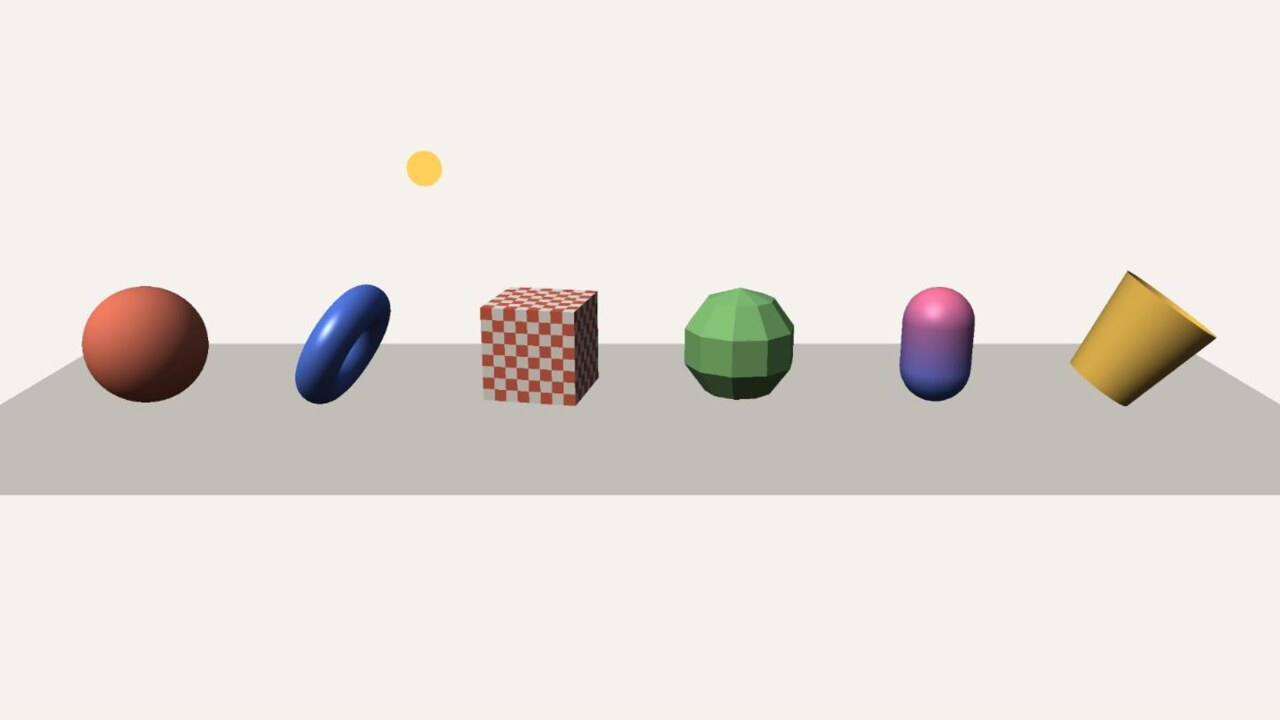
Lighting
The built-in lit program, one option per shape: plain Lambert, a Blinn-Phong highlight, a texture
map, flat shading, vertex colours and a double-sided open cylinder. Every shape shares oneLights, so moving the sun or changing the sky and ground colours relights them all. The light is fixed in the world as you orbit, and the highlights follow the camera. AGridHelperandAxesHelpermark the floor and origin, and aWireMeshcan show each shape's triangles. Hover a shape to see aRaycasthit: the point, the surface normal, the face and the uv.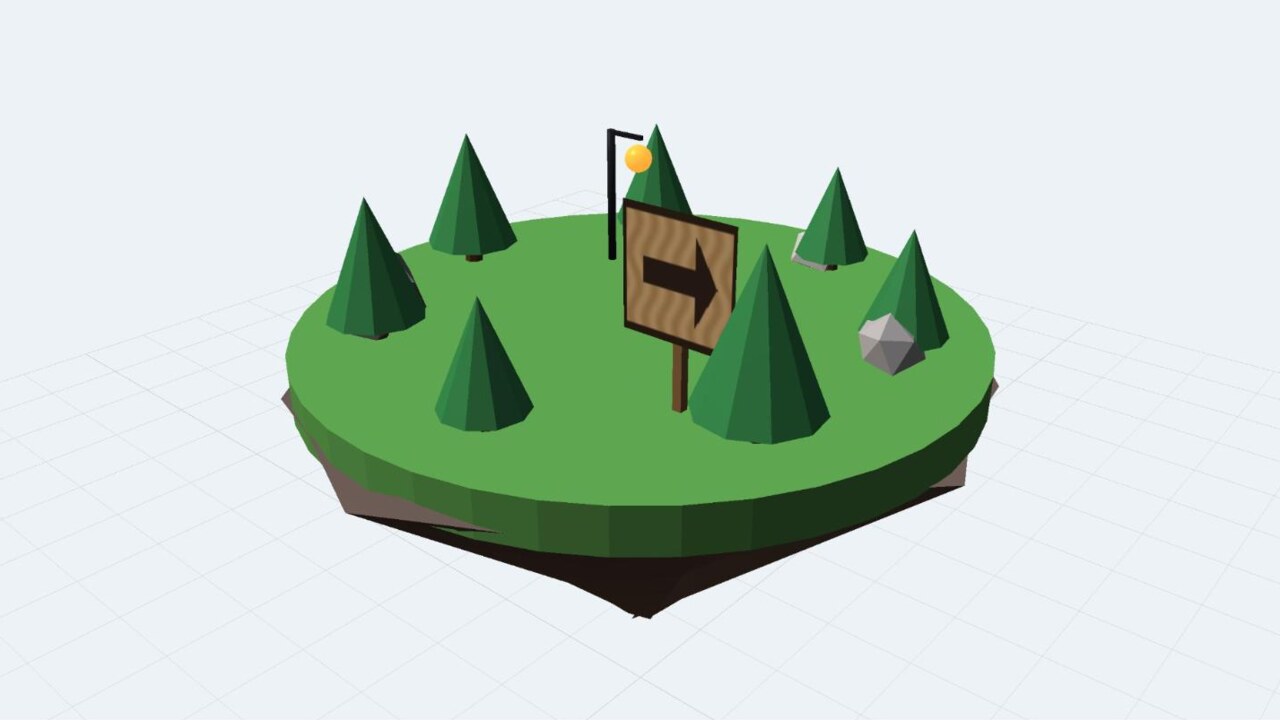
glTF
A floating island made in Blender and loaded from a
.glbwithGLTFLoader. Its materials becomeLitPrograms sharing oneLights: vertex-coloured rocks, a textured double-sided sign and an emissive lamp. The trees are exported withEXT_mesh_gpu_instancing, so they load asInstancedMeshes. Look through the file's camera, or hover to name the node under the pointer.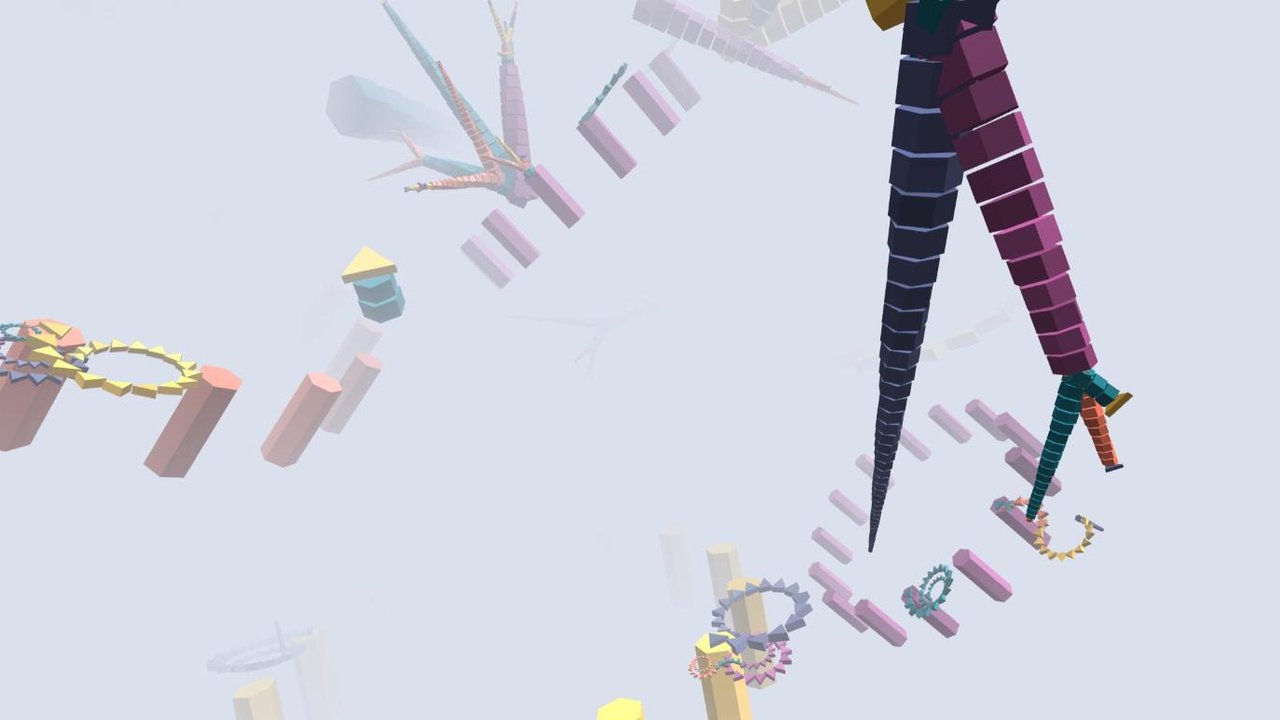
Fly
Fly through endless space with a
FlyCamera: drag to steer like a joystick, or use WASD or the arrows, Q and E to roll, R and F to change speed and space to stop. Each cell of space grows towers, spirals and rings of prisms from a small rule grammar, seeded by where it is, and cells are regrown ahead of you as you fly. Each cell is twoInstancedMeshes, drawn withlitShadingand fog.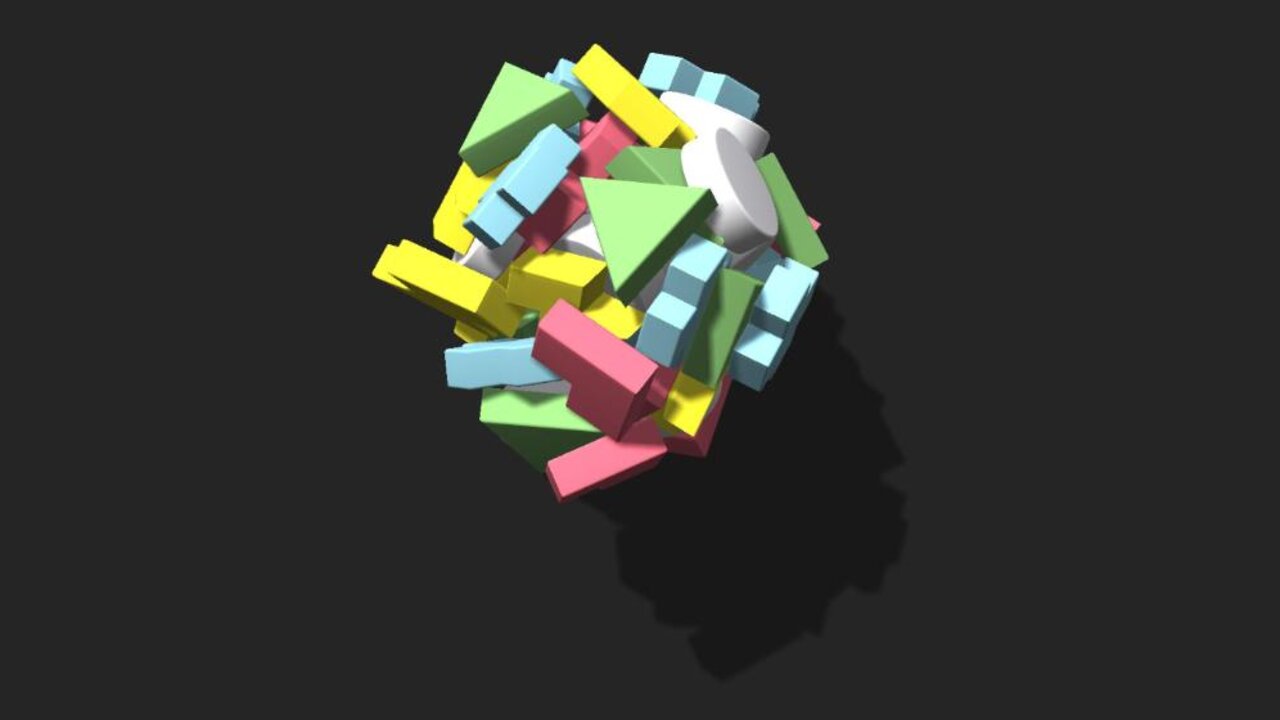
Icon swarm
Five icons loaded from
.glbs, their materials made into instancedLitPrograms so every copy of an icon is oneInstancedMesh. Their convex colliders drive Rapier physics with no gravity: the icons drip in and clump, the pointer'sRaycastpushes them aside and a click blasts them apart. They cast aShadowonto each other and onto a backdrop drawn withshadowShading.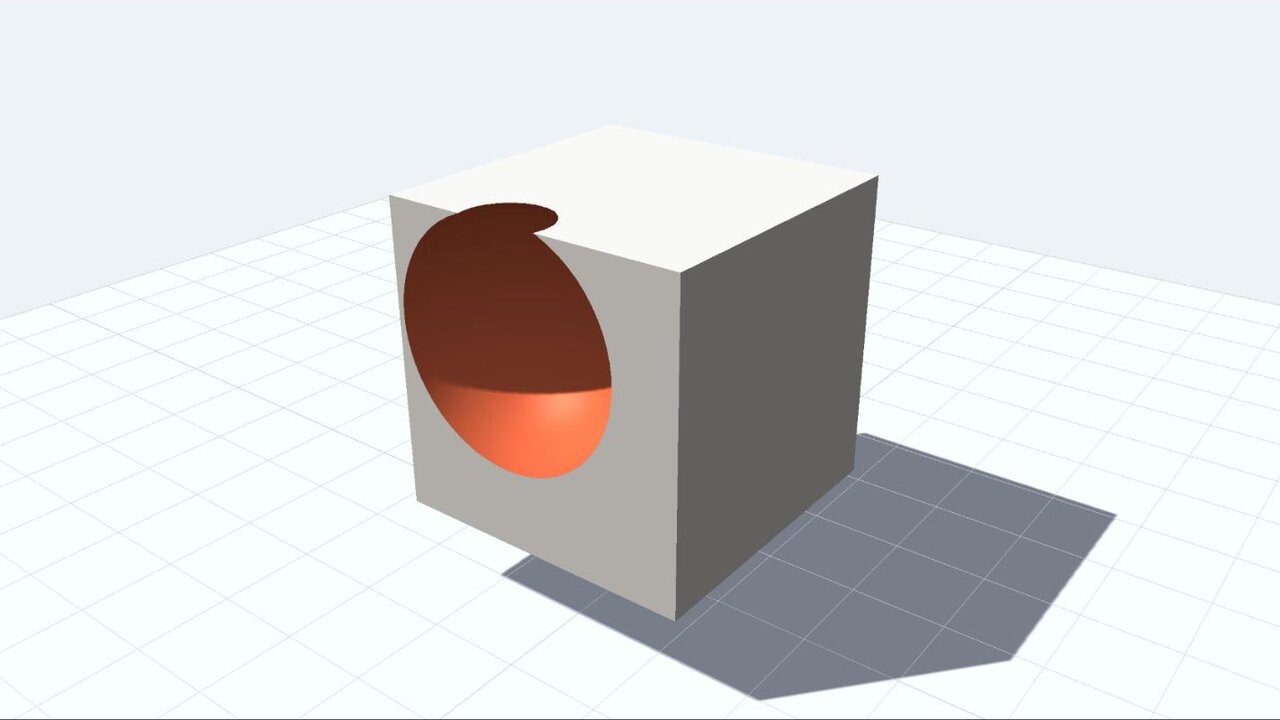
CSG
Booleans with manifold-3d, which wtc-gl doesn't depend on: the demo loads the WASM and
toManifoldconverts wtc-gl primitives for it. A cutter orbits through a box, cylinder, torus or extruded star and the subtraction, intersection or union is redone every frame. The cut faces keep the cutter's colour and its normals, flipped to face the right way.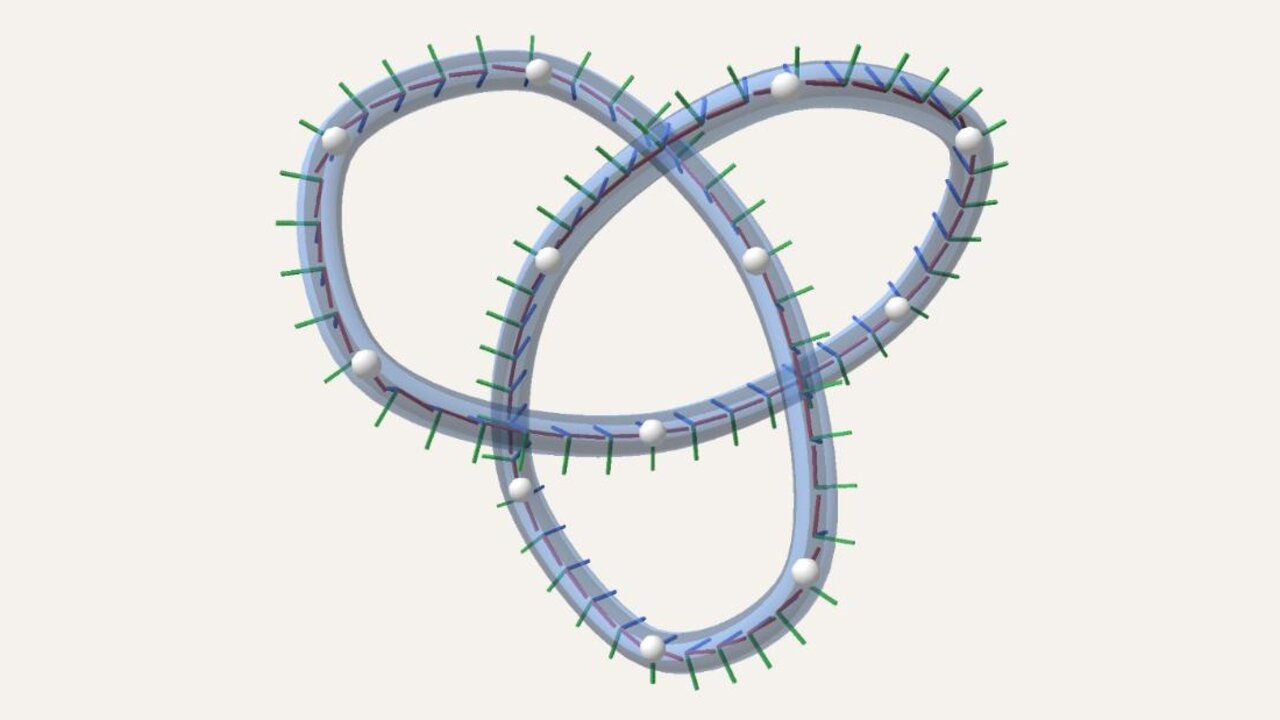
Paths
A tube swept along a Catmull-Rom curve through points you can drag. Markers compare samples spaced evenly by distance with parametric ones that bunch up, and axes show the rotation-minimising frames the tube follows, matched up around a closed trefoil. Twist and taper the tube, and switch
alphato see the uniform curve loop on a hairpin where the centripetal one doesn't. Tension tightens or loosens the curve, and the B-spline type is smoother still, pulled towards the points rather than through them. The extrude preset turns a flat outline and hole into a bevelled solid as you drag, with hard edges wherever it turns sharper than the crease angle. Handles are picked and dragged with aRaycast.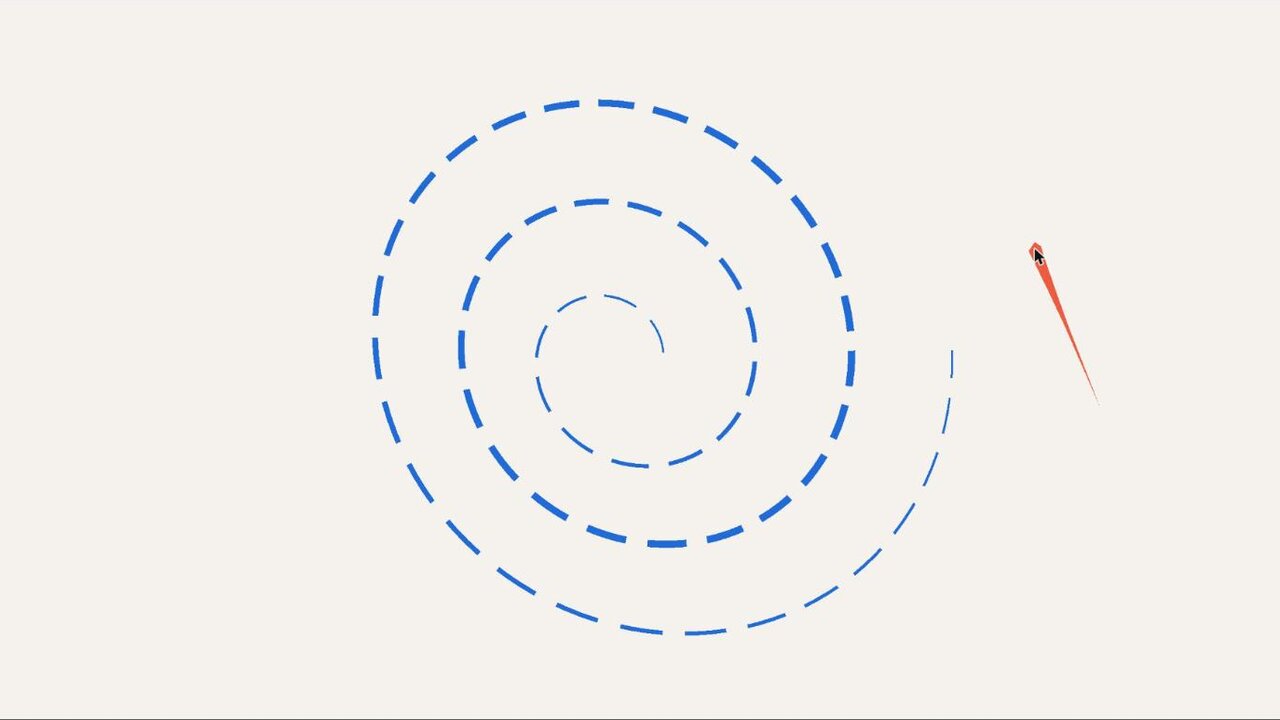
Lines
A spiral that draws itself on, tapered and dashed, with dashes measured by the distance travelled so they keep their length. As a billboard it always faces the camera, in pixels or world units. Switch it to a ribbon and it becomes a flat strip in world space that twists along its length and banks into its turns. Move the pointer to draw a trail, which pushes a new point every frame.
Polyline trails
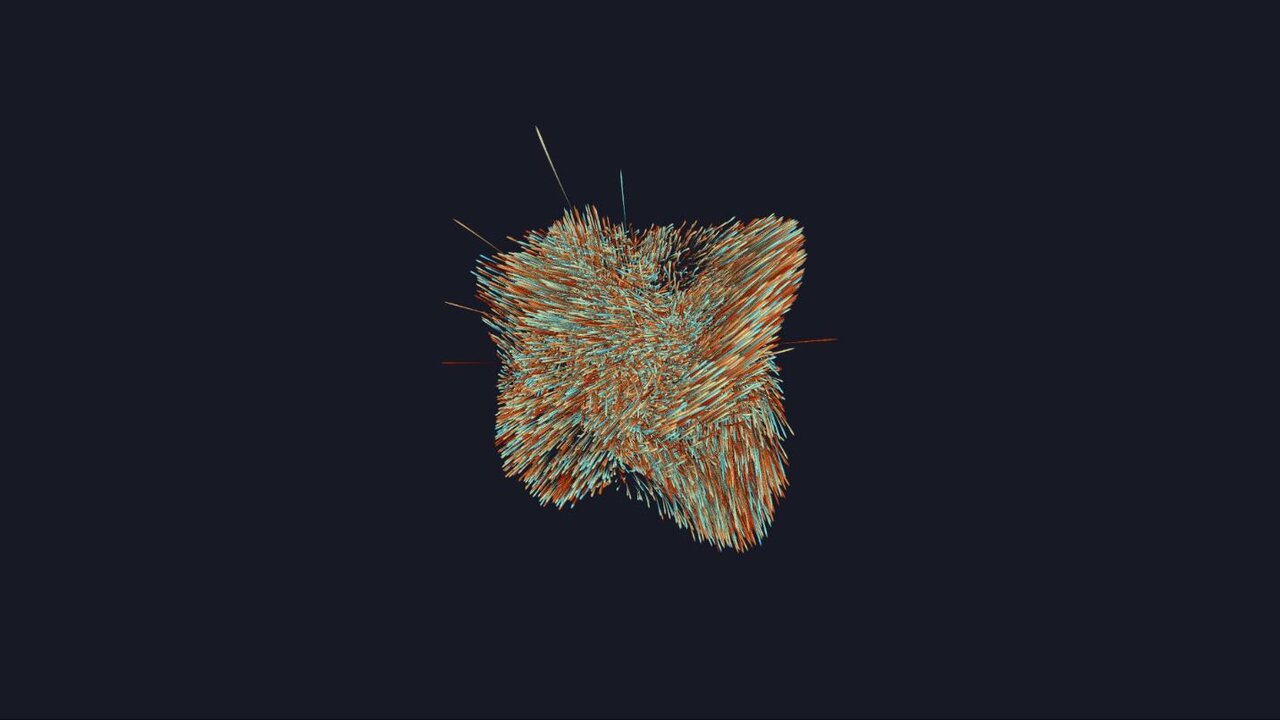
16,384 particles swirl through a force field, each drawn as a ribbon through its recent positions. A float simulation writes into a history texture, and one instanced
Polylinewith a custom vertex shader reads it back and extrudes each trail withpolylineExtrude. Click for the next shot.